Security Configurations
Security configurations in Connxio are reusable blocks of information that contain credentials and other necessary details for securely connecting to various systems. These configurations help streamline the setup process and ensure the secure transmission of data between Connxio and external systems. Connxio stores all sensitive information securely in a secure key storage, ensuring the confidentiality of passwords and credentials.
Purpose of Security Configurations
Security configurations serve the following purposes in Connxio:
- Secure Connections: Security configurations store sensitive information, such as credentials or API keys, required to establish secure connections with external systems.
- Reusability: By creating reusable security configurations, users can easily apply the same set of credentials across multiple integrations, saving time and effort in configuration management.
- Centralized Management: Storing security information in one place allows for centralized management and ensures consistency in connection details.
- Enhanced Security: By keeping passwords and sensitive information separate from integration configurations, Connxio minimizes the risk of exposing confidential data.
Creating a Security Configuration
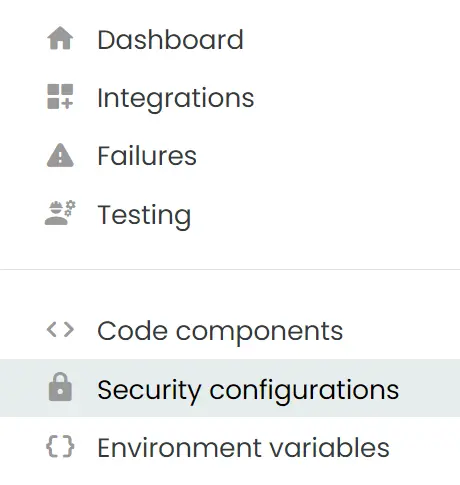
Navigate to "Security Configurations" in the right hand menu and click "Add new configuration".
You are then greeted by a Security Type menu where you will choose what kind of configuration you want to create. The possible options are:
- HTTP: Used for HTTP/REST adapters, data collection and webhook logging
- Archeo: Credentials for Archeo logging
- SFTP: Credentials for SFTP adapters
- FTP: Credentials for FTP adapters
- Connection String: Used for Azure Storage, Service Bus and Event Grid adapters
- Databricks: Delta Sharing endpoint and token configuration
- Azure Credential: Entra ID application credentials for Azure resource access
- Event Hub: Event Hub and checkpoint storage connection details
- Email: Credentials for Email.
- Dataverse: URL and application credentials for Dataverse.
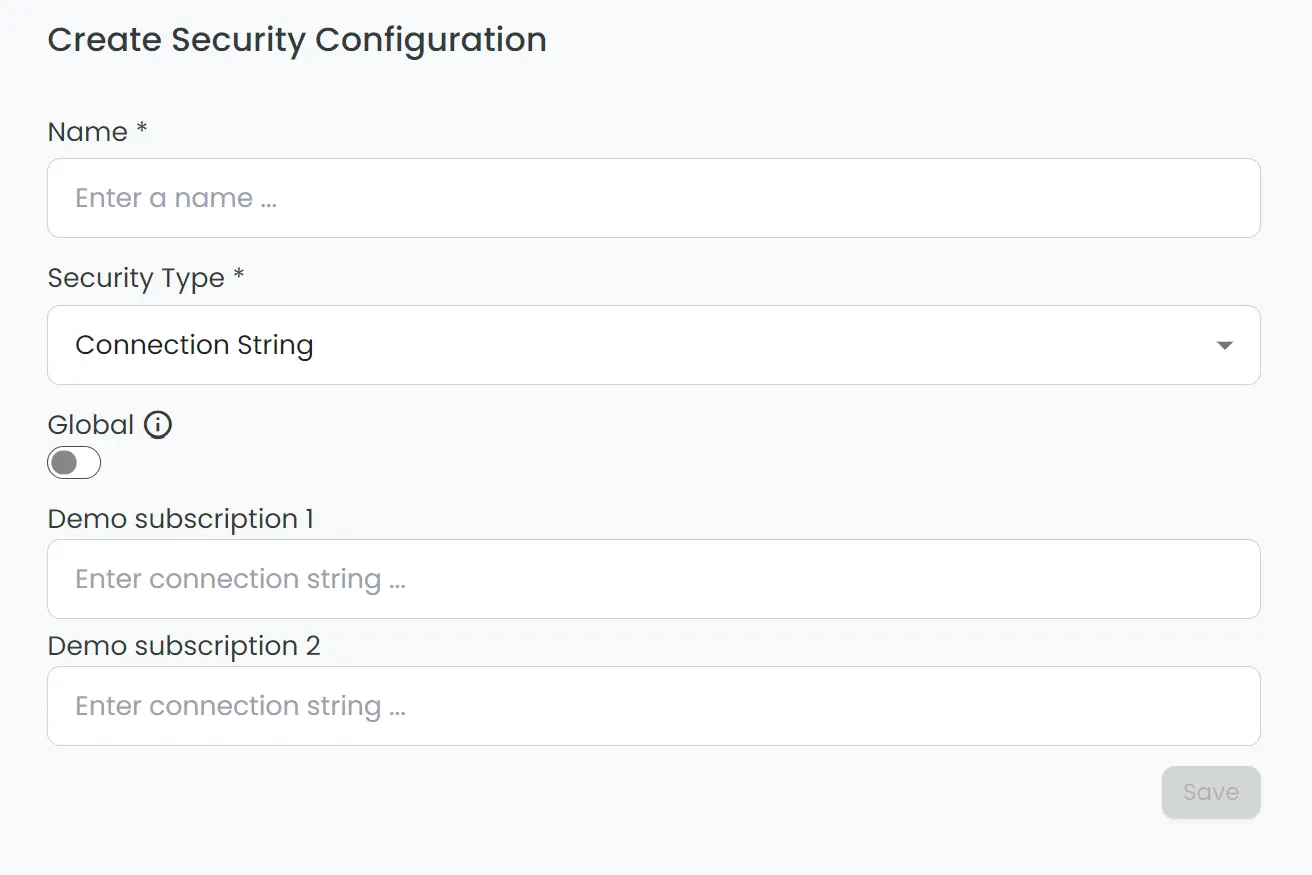
When a security type has been chosen, you can decide whether the security configuration should be global or not. If the global toggle is on, the security configuration will be the same across all subscriptions under the same company:
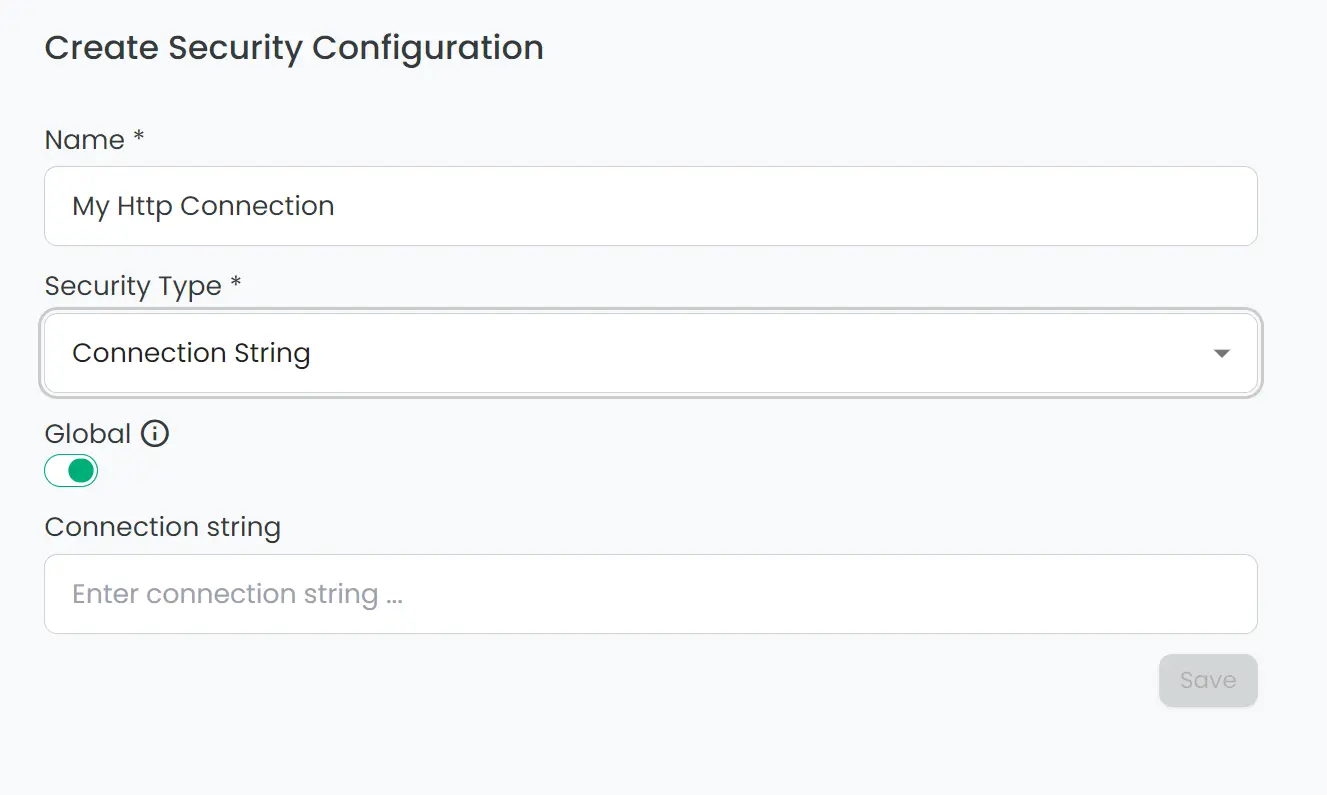
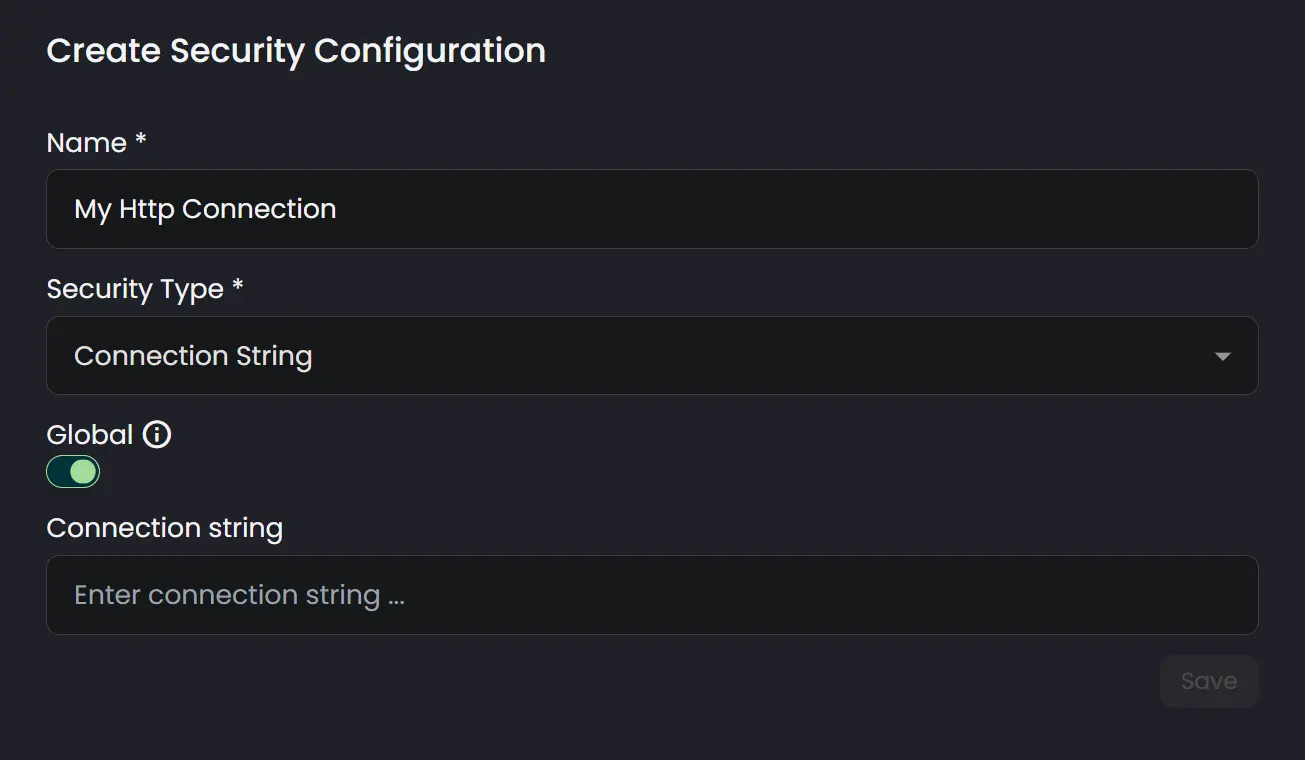
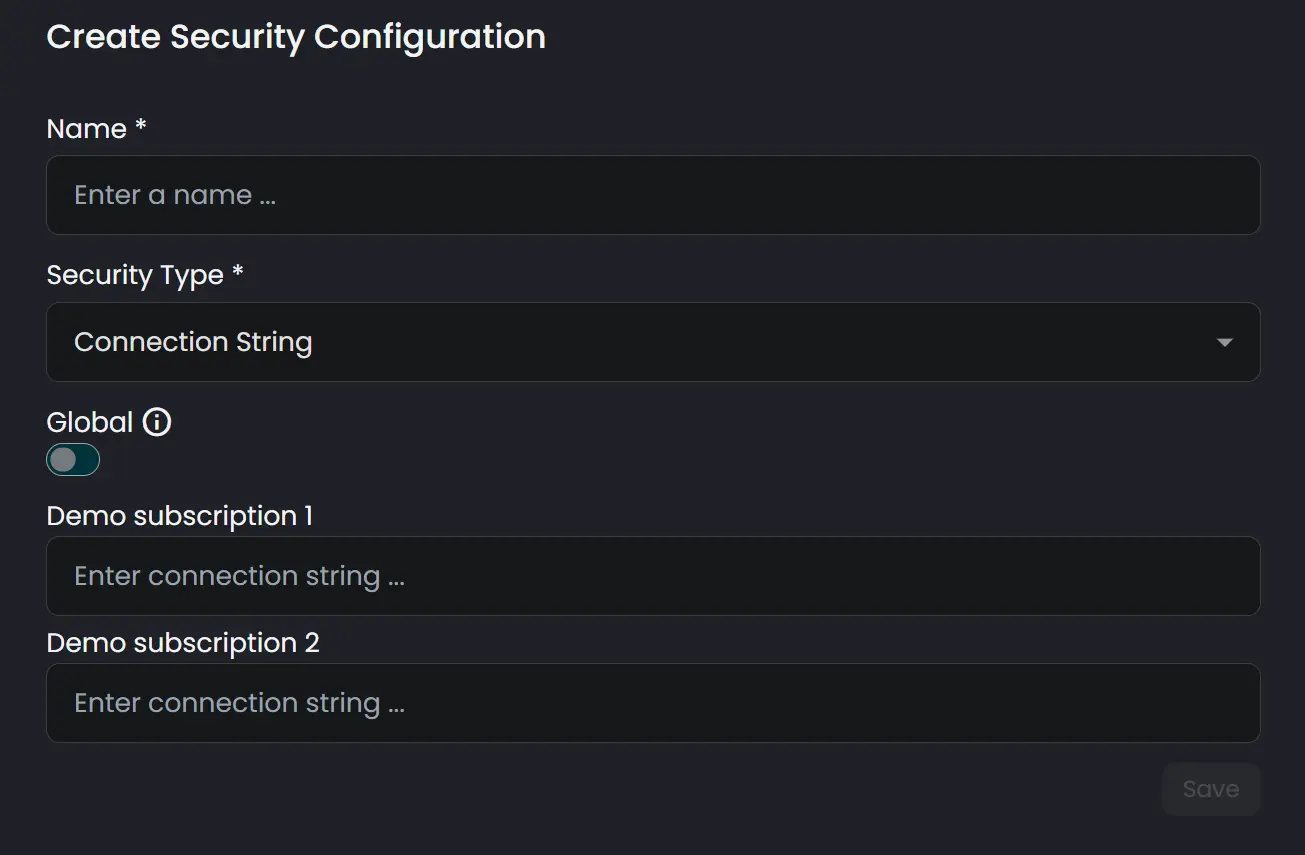
If global is set to off, you'll set different values for each subscription:
Security Configuration Types
Connxio supports various types of security configurations to cater to different integration needs. Use the tabs below to learn about the different types of security configurations and how to set them up.