Event Streams
Event Streams let you use an inbound adapter as the source of an event stream that can be consumed by multiple integrations. This separates event ingestion from the integration logic.
In the current version, you can define external event sources and filter events with CxMal.
Configuring an Event Stream
To create an Event Stream, configure your inbound adapter as usual by choosing an adapter and filling in the required fields. Then right-click the adapter box and select Convert to event stream:
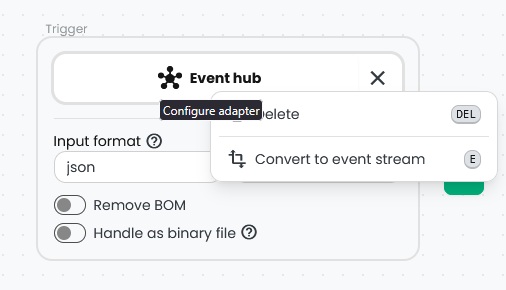
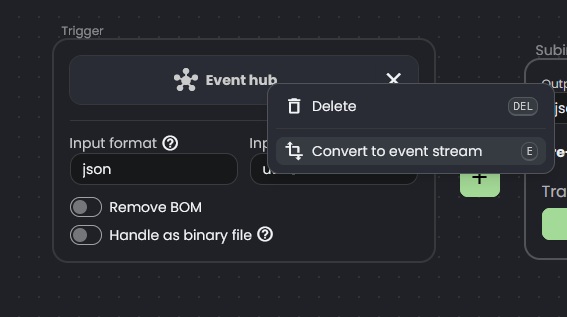
Connxio will remove the configuration UI for sub-integrations when an adapter is converted to an Event Stream. You can now save it by clicking Save or Create.
Configuring an Event Stream consumer
To process events from an Event Stream, create a consumer integration. Open an existing integration or create a new one. In the inbound Trigger box, click Add Trigger and select Event Stream:
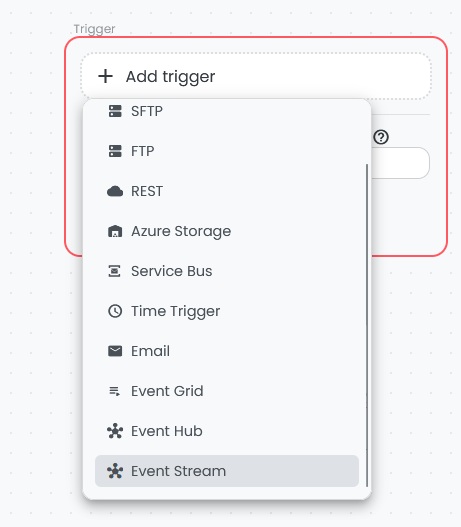
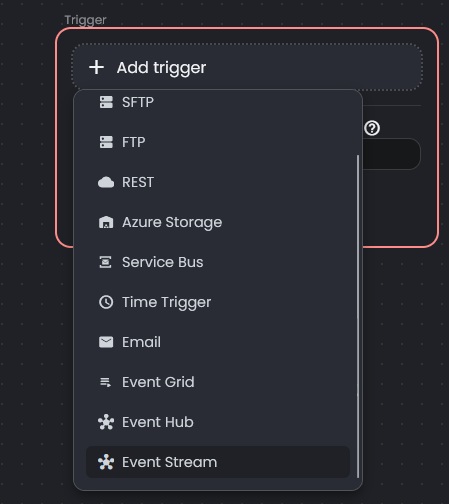
When you select the Event Stream trigger, the following configuration settings are shown:
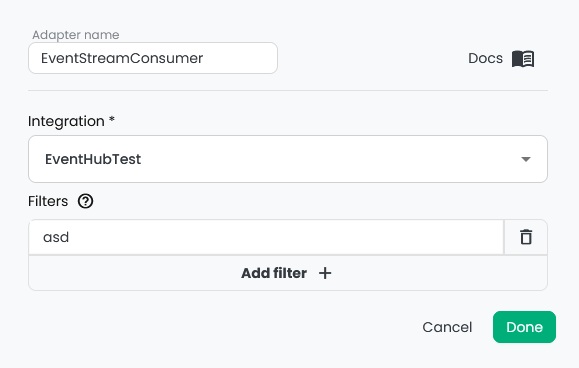
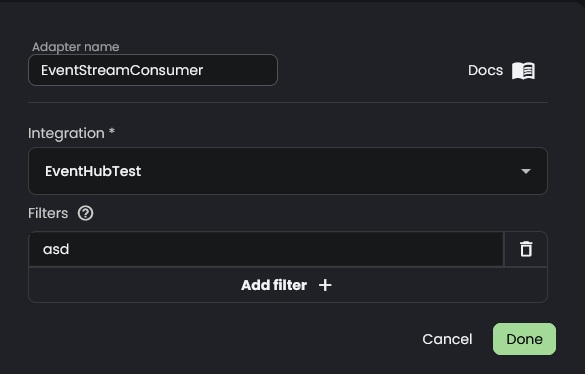
Use the following properties to configure the consumer:
- Integration: The Event Stream source that emits the events this consumer should process.
- Filters: A list of inclusive filters written in CxMal boolean syntax. All CxMal functionality is available here, including file access and metadata.
After setting the required properties, continue building the integration as usual. You can create as many consumers as needed, and because Connxio handles event generation, the source is only read once.