Logging
Connxio supports several logging setups. Evidi offers transaction-based logging software in Archeo as a Connxio supplement, with enhanced compatibility because both products are developed together. Connxio can also send logs by webhook to your preferred logging provider.
We also offer integration as a service, where we handle logging, support, surveillance, and fault detection for you. Contact sales at evidi.com/kontakt for more information.
What does Connxio log?
Connxio sends logs from the internal engine to the configured provider whenever a message is processed through an integration. You choose what to log per integration, based on your needs. See How to start logging.
Log-levels
Connxio uses log-levels to control how much information is logged about a message's journey. Each level includes the logs and statuses from less verbose levels.
- Error - Nothing is logged except critical errors.
- Minimum - The first inbound step and the last outbound step are logged.
- Standard - All transformations are logged.
- Verbose - All possible information is logged.
Error
The Error level logs only critical errors. We recommend configuring a logging provider and using this level even when you do not want regular logging, so you can still detect and fix failures.
Statuses logged:
- Error
Minimum
The Minimum level logs the first and last time Connxio sees a message, such as when it is received by the API or picked up from SFTP or Azure Storage, and when it is delivered to SFTP or a Service Bus topic. If you use Acknowledgement functionality, the acknowledgement message is also logged.
Statuses logged:
- Warnings for retries and critical processes or transformations. Excludes warnings related to customer choice.
- Success
- Terminated
Standard
The Standard level adds transformation steps, including data collection, code mapping, integration account mapping, file encoding, and format conversion. Use this for non-trivial integrations with moderate traffic. See To log or not to log?.
Statuses logged: No change from minimum level
Verbose
The Verbose level logs every event of interest through Connxio, including internal engine transmissions, retry warnings, transient failures, and external communication. Use it for debugging or mission-critical integrations.
Statuses logged: Logs all statuses
Statuses
Connxio uses these default statuses:
| Status | Description |
|---|---|
| Success | The event completed successfully, such as a message received by an adapter or transformed by a code component. |
| Warning | A non-critical failure occurred, and the process continued or retried as described on the retry page. |
| Error | A failure stopped the pipeline. This can be caused by external services, transformations, adapter targets, or internal Connxio faults. Use the description to analyze the error. |
| Terminated | The user terminated the pipeline through code components or data collection. |
Attention! When using Archeo logging remember to add all these statuses to Archeo
Contracts
Connxio provides two logging contracts: Archeo and Internal. A contract is the JSON model for the event body. You can use the Archeo contract even when you do not use Archeo as the logging provider.
Archeo Contract
The Archeo contract maps Connxio properties to these fields:
{
  "transactionId": "interchangeId",
  "transactionType": "transactionType",
  "messageType": "custom type or the engine inside Connxio where the event originated ie. InboundInteractionEngine",
  "transactionTag": "custom transaction tag or empty",
  "processed": "0001-01-01T00:00:00", //The timestamp of the log being generated
  "sender": "sender",
  "receiver": "receiver",
  "description": "the custom description for outbound or inbound when applicable, the system message from Connxio when not",
  "fileName": "calculated by the internal Connxio system based upon the configured format",
  "status": "the status as described in the statuses section",
  "bodyContent": "the message content that has passed through the Connxio pipeline and undergone transformations",
  "metadata": "described under the metadata section"
}
Internal contract
The internal contract uses Connxio's own property names and includes the maximum information available when the event is created:
{
  "interchangeId": "interchangeId for the current instance of the pipeline",
  "secondaryContent": "explained under the secondary content header",
  "fileName": "calculated by the internal Connxio system based upon the configured format",
  "logContentEncoding": "the encoding of the log content in text ie. utf-8",
  "status": "the status as explained in the status section",
  "message": "the description of the event or error represented by this event",
  "receiverId": "sender",
  "senderId": "Receiver",
  "eventFired": "0001-01-01T00:00:00", //The timestamp of the log being generated
  "customTag": "custom transaction tag or empty",
  "environment": "The Connxio environment the pipeline was run on",
  "eventOrigin": "the engine inside Connxio where the event originated ie. InboundInteractionEngine",
  "transactionType": "the transaction type",
  "order": "not used at the moment, but will denote the order of the action performed",
  "direction": "inbound until it hits the transformation engine outbound after",
  "logLevel": "the log level for the current log event",
  "metadata": "described under the metadata section",
  "useCustomDirectionalValues": false
}
Metadata
When data enters through an adapter, Connxio creates a pipeline instance with message context. This context is described on the Metadata page. You can control whether metadata is logged.
Secondary content
Secondary content stores failure or exception details when message content must also be preserved. For example, if Connxio logs message content and the message fails during processing, the exception message is logged as secondary content instead of replacing the original message.
Archeo behavior
See How to start logging for the properties used below.
- If content logging is enabled and metadata logging is off, Connxio concatenates the exception message and file content:
Information:
Null reference exception was handled while transforming message. Exception:
Stacktrace...

-----------------------

FileContent:
{
  "node":"content"
}
- If content logging and metadata logging are enabled, Connxio adds the error message to the metadata object. The file content remains in the Archeo content section:
{
  "ConfigCorrelationId": "guid",
  "DataCollection": "{}",
  "ErrorMessage": "MessageHub.Models.Exceptions.NonTransientException: Failure example at Connxio.TransformationEngine.Functions.Transformation.Mapping.Code.CodeTransformer.MapWithCode(CodeMappingProperties codeMappingProperties, Byte[] fileContent, String interchangeId, MetaData metaData) in D:\\a\\1\\s\\Connxio.TransformationEngine\\Functions\\Transformation\\Mapping\\Code\\CodeTransformer.cs:line 186\r\n   at Connxio.TransformationEngine.Functions.Transformation.Mapping.Code.CodeTransformer.Transform(Byte[] fileContent, Int32 index, IntegrationConfig integrationConfig, SubIntegration subIntegration, TransformationAction transformationAction, ConfigurationBasedSbMessage sbMsg, ILogEventHandler logEventHandler, Int32 deliveryCount, Int32 maxRetryCount) in D:\\a\\1\\s\\Connxio.TransformationEngine\\Functions\\Transformation\\Mapping\\Code\\CodeTransformer.cs:line 44",
  "InboundAdapter": "SFTP",
  "InboundFileName": "filename.txt",
  "InterchangeId": "guid",
  "ManualResendCount": "0",
  "Started": "11/11/2021 2:42:38 PM",
  "TransactionType": "Account",
  "TransformationBlobName": "guid.txt",
  "UserDefinedProperties": "{}"
}
- If content logging and metadata logging are disabled, Connxio logs the exception message as file content.
Internal contract behavior
How to start logging
Connxio treats all logging providers equally. Archeo has a convenience configuration section, but you can configure Archeo and other RESTful providers with the Webhook option.
All logging options require a Security Configuration. Create one by following the Security Configuration page, then select it as described below.
In the integration configuration view, open the Logging section on the left. In Guided mode, open the "Logging" section inside the "General" tab.
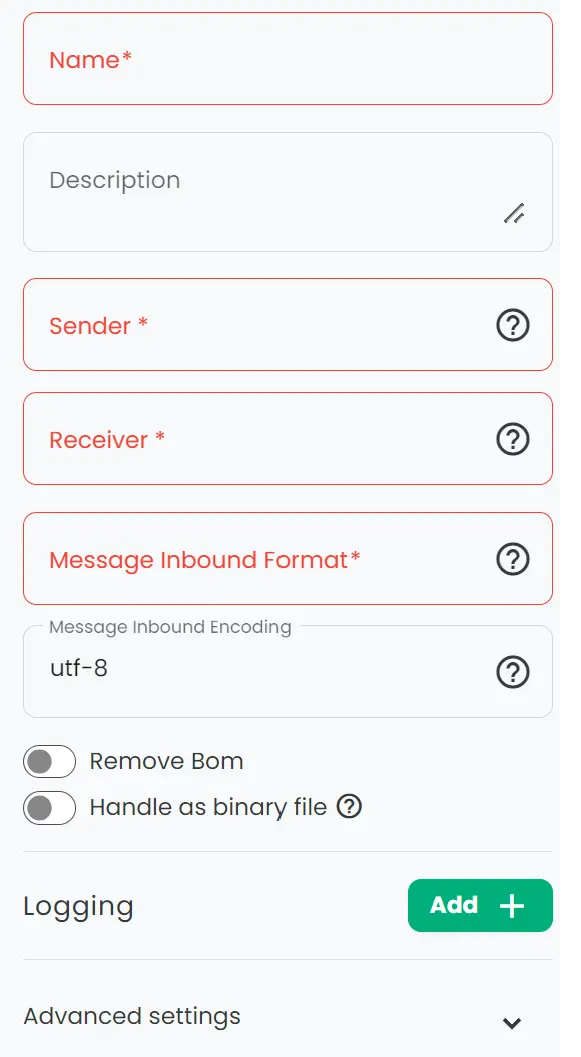
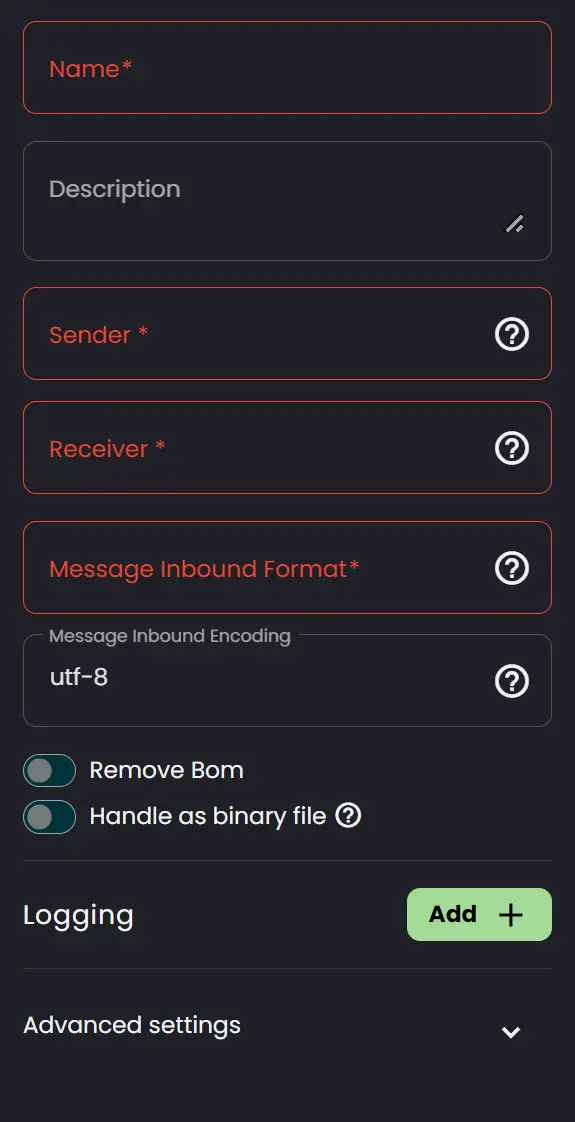
Webhook
Use this option for all logging providers except Archeo.
Click "Add Logging" to add a webhook. Events are sent to all configured webhooks and respect each instance's settings, such as "Log Level" and "Custom Description".
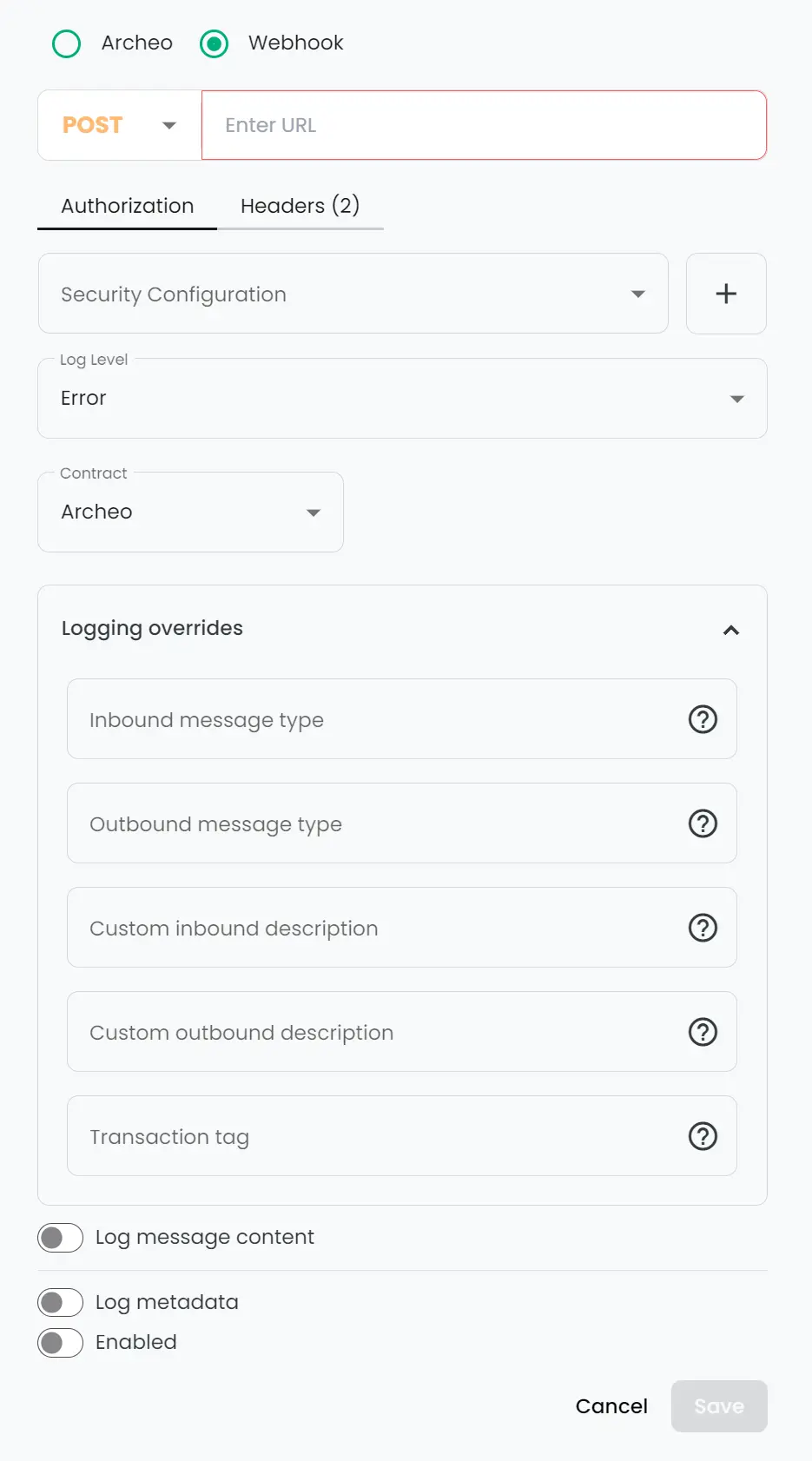
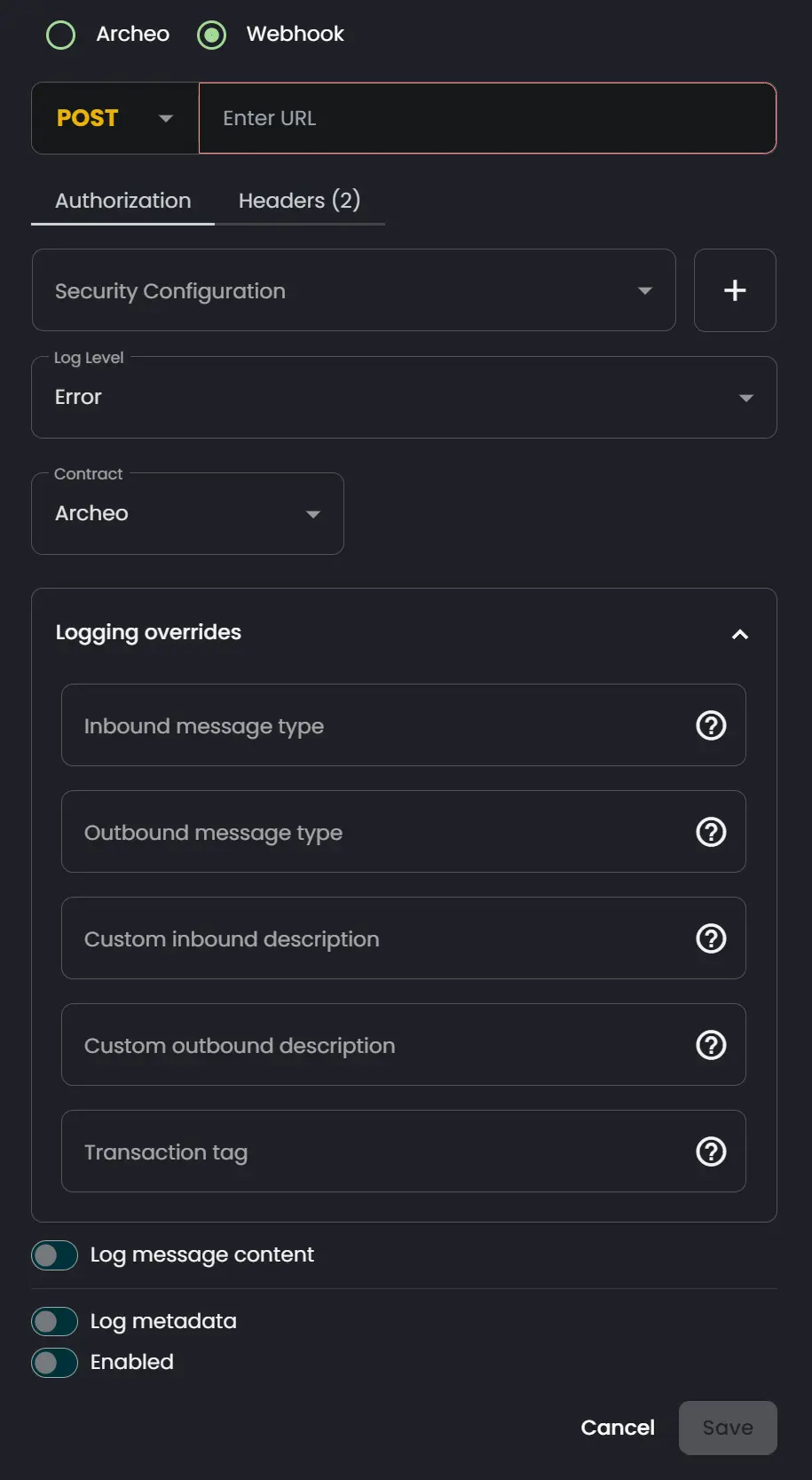
- Method: The HTTP verb for the REST endpoint.
- Endpoint Url: The endpoint URL.
- Security Configuration: The security configuration used to authenticate the request.
- Log Level: Explained in the Log Levels section.
- Contract: Explained in the Contracts section.
- Inbound message type: Changes the message type for the first success message logged.
- Outbound message type: Changes the message type for the last success message logged.
- Custom Inbound Description: Changes the description for the first success message logged.
- Custom Outbound Description: Changes the description for the last success message logged.
- Transaction Tag: Adds content to the
customTagproperty. - Log Metadata: Enables metadata logging. Read more under Metadata.
- Log Message Content: Enables message content logging. Read more under Secondary Content.
- Enabled: Turns this log event handler on or off. When off, no logs are sent.
Archeo
Use this option to send Connxio logs to Archeo. This requires an active Archeo subscription scaled for the amount of logs Connxio sends. See To log or not to log?.
Click "Add Logging" to add an Archeo logging instance. Events are sent to all configured logging instances and respect each instance's settings.
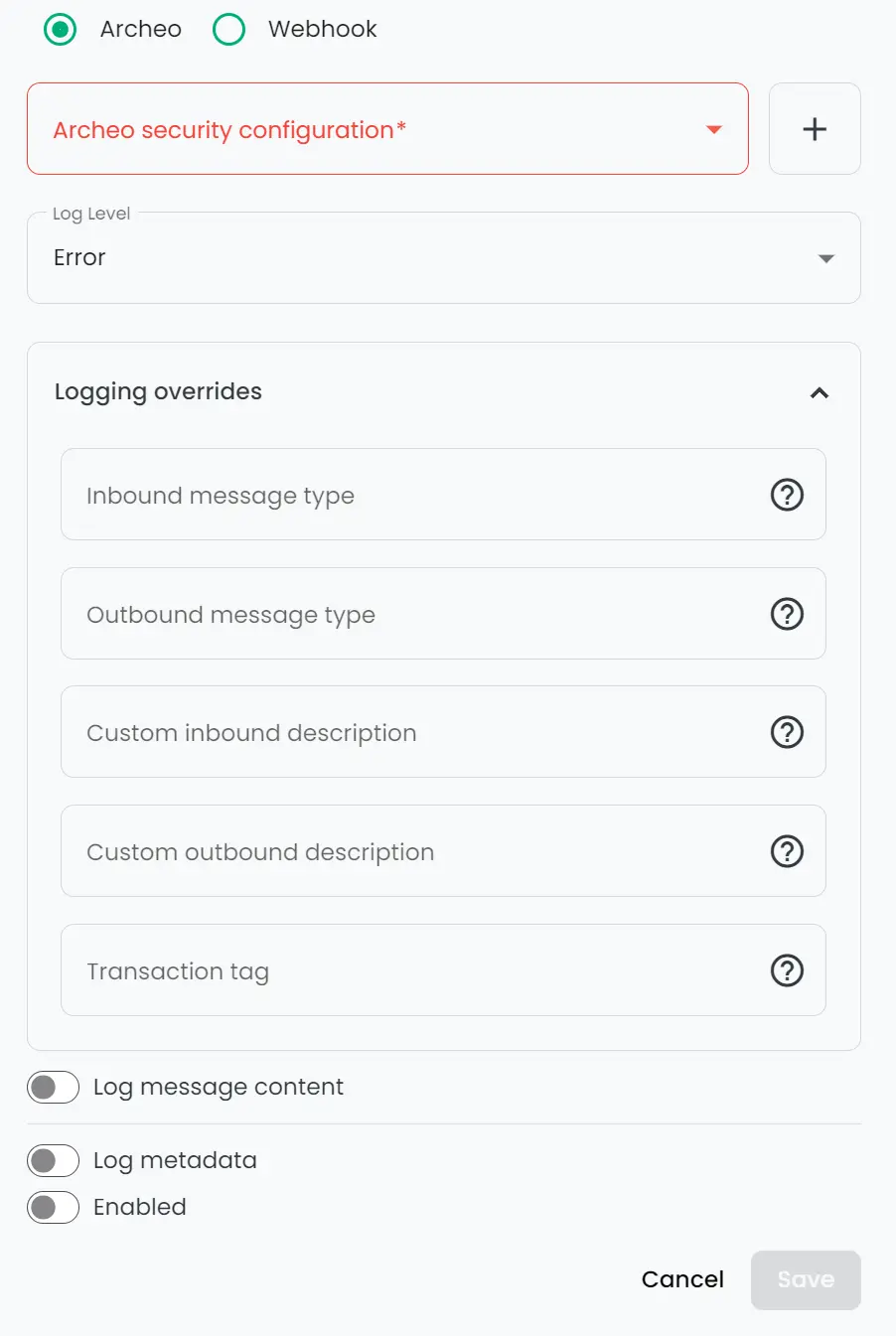
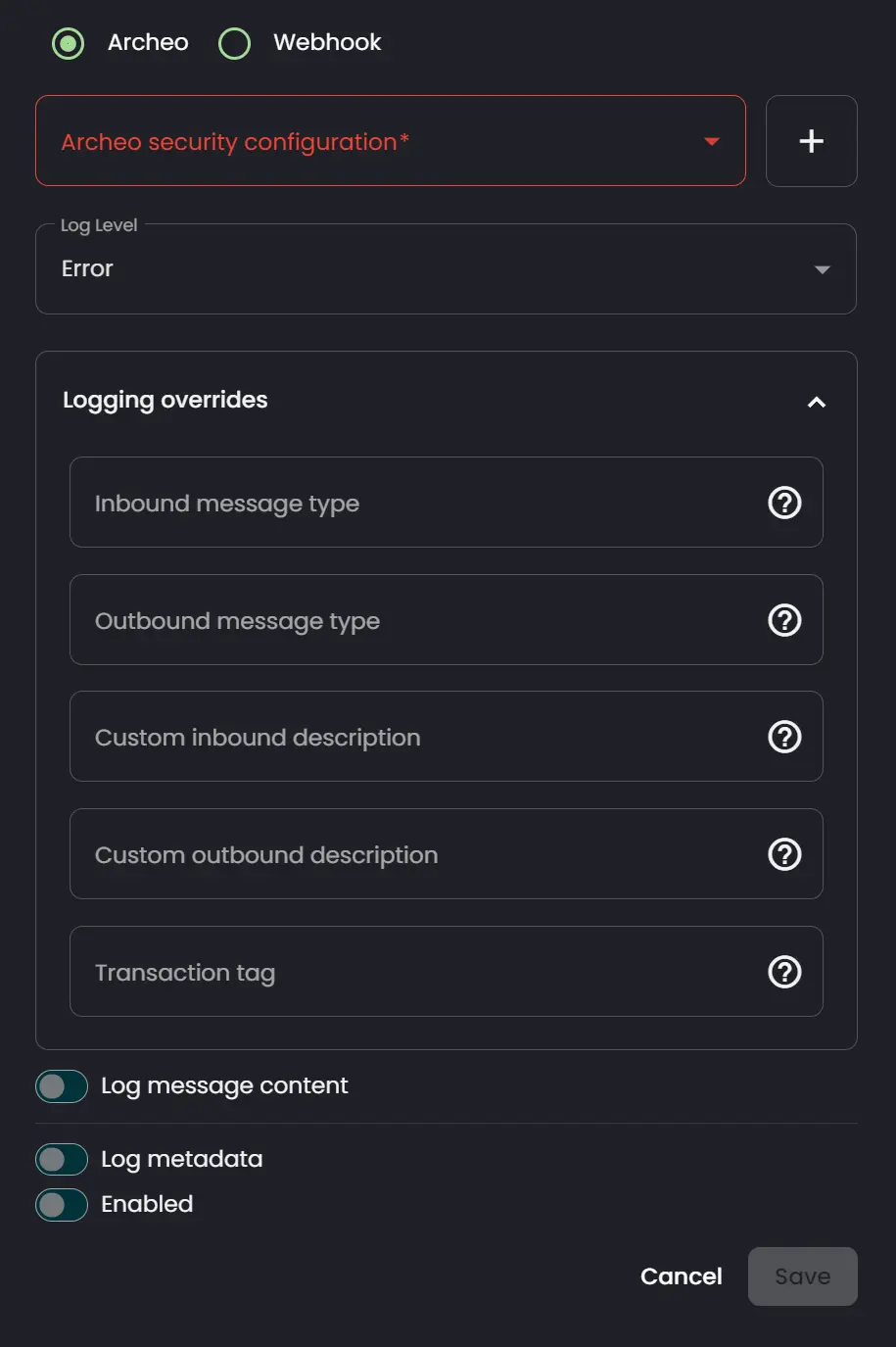
- Archeo Security Configuration: The security configuration used to authenticate requests to Archeo.
- Log Level: Explained in the Log Levels section.
- Contract: Explained in the Contracts section.
- Inbound message type: Changes the message type for the first success message logged.
- Outbound message type: Changes the message type for the last success message logged.
- Custom Inbound Description: Changes the description for the first success message logged.
- Custom Outbound Description: Changes the description for the last success message logged.
- Transaction Tag: Adds content to the
customTagproperty. - Log Metadata: Enables metadata logging. Read more under Metadata.
- Log Message Content: Enables message content logging. Read more under Secondary Content.
- Enabled: Turns this log event handler on or off. When off, no logs are sent.
The example above uses the minimum required settings for Archeo logging. Fill in the other fields as needed.
External content
Connxio can log message content to external storage. The webhook receives the logged message content from Connxio and returns a URI for the storage location. To use this, enable "Log Message Content". The external content option then appears:
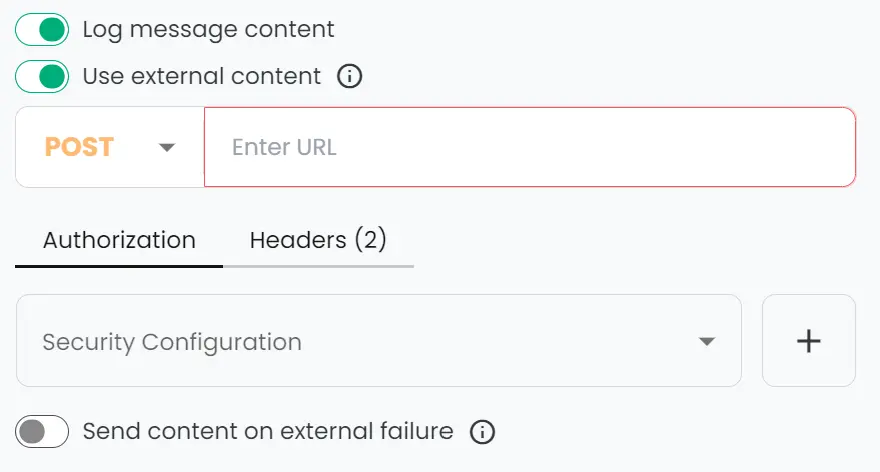
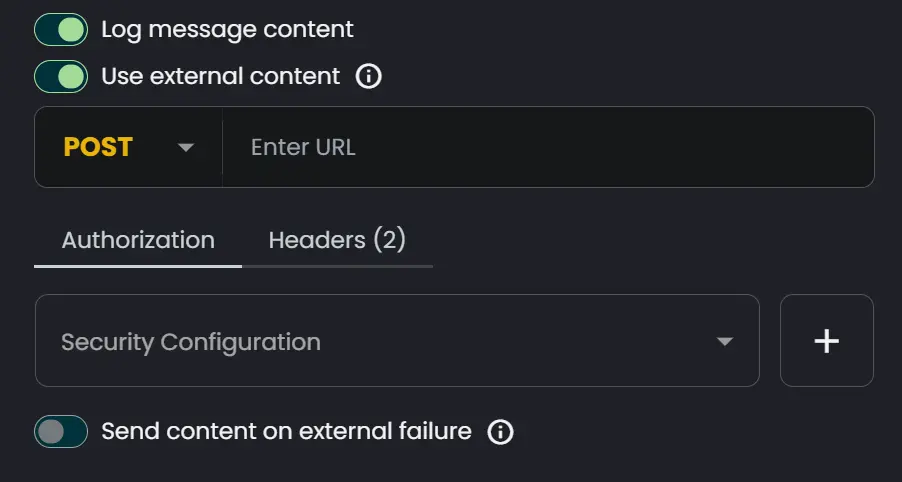
- Method: The HTTP verb for the REST endpoint.
- Endpoint Url: The endpoint URL.
- Security Configuration: The security configuration used to authenticate the request.
- Add Header: Adds a header to every request handled by this webhook.
- Send content on External Failure: Sends file content to Archeo if the external service fails. When disabled, no content is sent after an external service failure.
Expected API behavior
Connxio sends file content in the HTTP request body and expects a JSON object with the URI:
{
  "uri":"https://mynewlygeneratedsasuri.com"
}
To log or not to log?
Good logging improves monitoring, but logging can be expensive. For each production-ready integration, consider these questions:
Is the traffic low enough and the contents important enough that we should log on success?
Depending on the provider, logging thousands or millions of messages may be costly. If your integration processes more than ten thousand messages per day, including split messages, avoid success logging unless you have a clear reason and understand the cost.
Is the message content important enough to include?
You can exclude message content from logs. In many cases, metadata is enough to monitor integration flows.
What level of logging is suited for this integration?
Choose the level based on traffic, criticality, failure risk, and the consequences of failure. Review logging after production deployment and again after the integration has run for a while, then adjust as needed.
Logging outside Connxio
In many cases, integration work happens before or after Connxio processing. Add your own logging around those steps to get a complete picture of the flow. Use the InterchangeId to connect your internal logs with Connxio's generated log events. See more about InterchangeId here.