Synchronous Communication
Connxio supports synchronous communication through its API. This is useful when an execution flow needs to wait for a response and continue processing after the operation completes.
Configuring the Adapter
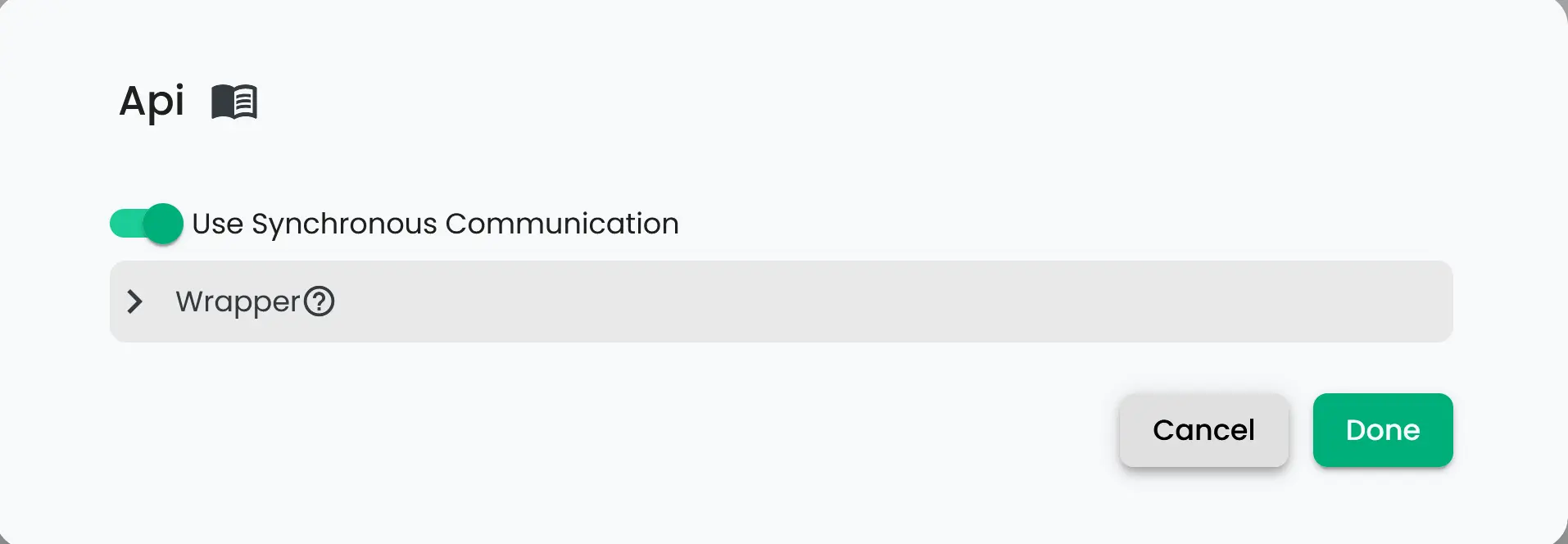
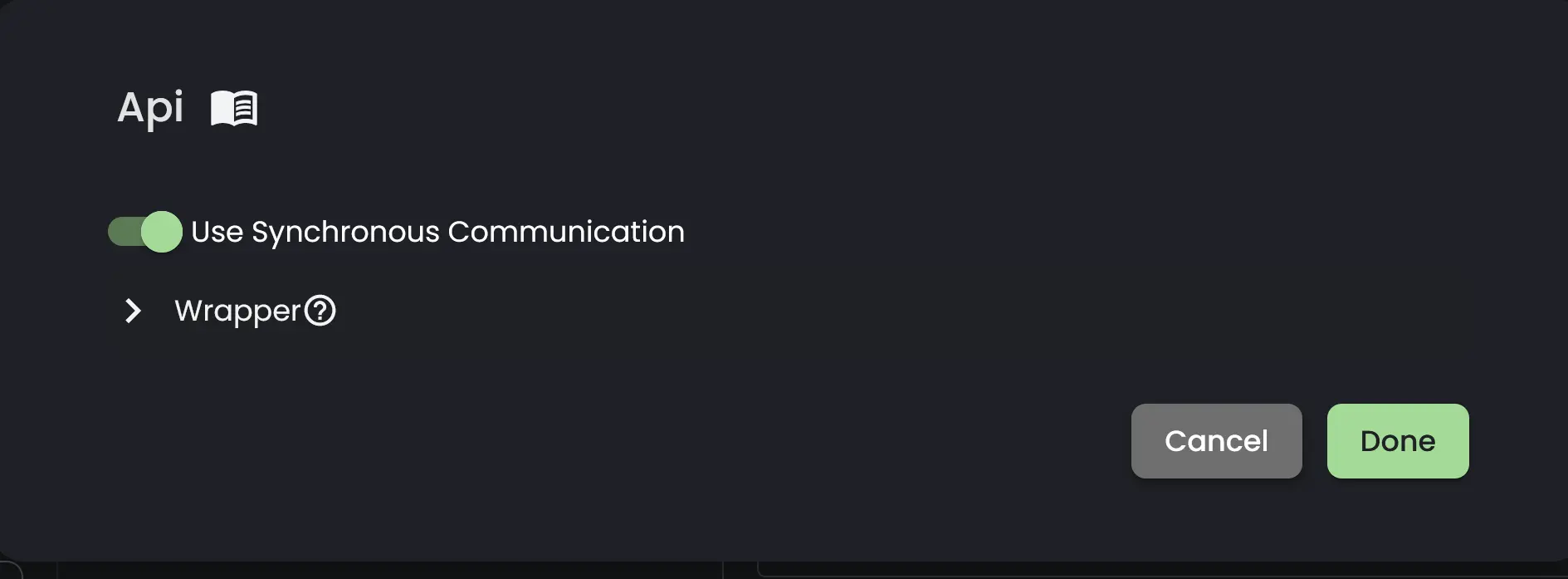
To use the synchronous functionality, set up a regular API Inbound Adapter and toggle the Use Synchronous Communication option.
Usage
Using the synchronous option changes how messages are handled. Messages are sent over HTTP, so Connxio's resending functionality is not available and pipeline logging is limited. Instead, the response object contains errors and exceptions for troubleshooting.
If a subintegration uses a REST outbound action, you can retrieve the response data and continue the execution flow. Connxio returns one response object per subintegration. If a subintegration splits messages or uses multiple outbound adapters, each resulting operation is included in that subintegration's response object. For example, if a subintegration splits a list of 10 objects into 10 messages and uses 3 outbound adapters, the response will contain 30 outbound operations.
The synchronous API does not support batching transformations or messages sent to the /batch endpoint.
Interaction NuGet
The Interaction NuGet makes it easier to use Connxio's synchronous functionality in C#/.NET.
For a more detailed explanation of using the Interaction Nuget: Click here
The Interaction NuGet includes options for wrapping and sending messages, along with a class that matches the values returned by the synchronous API. The returned object can look as follows:
[
  {
    "subIntegrationName": "",
    "totalResponses": 1,
    "synchronousMessageResponses": [
      {
        "metaData": {
          "interchangeId": "guid",
          "inboundFileName": "string",
          "inboundFilePath": "string",
          "outboundFileName": "string",
          "started": "2024-03-07T09:42:27.6629322Z",
          "dataCollection": {},
          "userDefinedProperties": {},
          "inboundMessageMetaData": null,
          "configCorrelatioId": "<yourConfigurationId>",
          "transformationBlobName": null,
          "outboundBlobName": "<interchangeId>_<subintegrationId>_<outboundAdapterId>.<messageOutboundFormat>",
          "inboundAdapter": "Api",
          "inboundEndpoint": null,
          "outboundAdapter": "Discard",
          "outboundEndpoint": "The eternal void",
          "transactionType": "SynchronousExample",
          "manualResendCount": 0,
          "outboundRestResponse": "Response from an outbound endpoint (REST Outbound)",
          "isTestRun": false,
          "useSynchronousCommunication": true,
          "testRunId": null
        },
        "errorMessage": null,
        "messageErrorCode": null,
        "stackTrace": null,
        "transientError": null,
        "origin": null
      }
    ],
    "errors": null
  }
]
There are two separate error outputs. The errors field reflects client errors that occur while communicating with Connxio. The other error fields reflect errors that occur while the message is processed by Connxio and exist outside the NuGet. The errors field is specific to the NuGet and is not part of the standard return object.
Remapping the Synchronous API response
You can customize the API output with a Code component or a Script component. Use the following records from the Connxio.Transformation NuGet package to access synchronous API response data.
public record SynchronousMessageResponse
{
    public ContextMetaData MetaData { get; set; }
    public string? ErrorMessage { get; set; }
    public MessageErrorCode? MessageErrorCode { get; set; }
    public string? StackTrace { get; set; }
    public bool? TransientError { get; set; }
    public string? Origin { get; set; }
}

public record FinalSynchronousMessageResponse
{
    public string? SubIntegrationName { get; set; }
    public int TotalResponses { get { return SynchronousMessageResponses.Count(); } }
    public IEnumerable<SynchronousMessageResponse> SynchronousMessageResponses { get; set; }
}
Below is an example of a Code Component that remaps the output of the synchronous API:
    public record MyOutput
    {
        public string? IntegrationName { get; set; }
        public DateTime StartedAt { get; set; }
    }

    public class MyCodeMap : IConnxioMap
    {
        public TransformationContext Map(TransformationContext transformationContext)
        {

            if (transformationContext.Content == null)
                throw new ArgumentException("Content field is null");

            // Each subintegration will have a FinalSynchronousMessageResponse
            IEnumerable<FinalSynchronousMessageResponse> subintResponses = JsonConvert.DeserializeObject<IEnumerable<FinalSynchronousMessageResponse>>(transformationContext.Content);

            List<MyOutput> output = [];

            foreach (var subintResponse in subintResponses)
            {
                output.Add(new MyOutput
                {
                    IntegrationName = subintResponse.SubIntegrationName,
                    StartedAt = subintResponse.SynchronousMessageResponses.First().MetaData.Started
                });
            }

            // The data in transformationContext.Content will be your new API response.
            transformationContext.Content = JsonConvert.SerializeObject(output);

            return transformationContext;
        }
    }
Changing the return status code
See the Code Component documentation for information about how to change the return code.
Retry
When using the API, you must handle retries on the client side. Our regular SLA still applies, but temporary network issues can occur and should be handled as needed. When using the Interaction NuGet, built-in exponential retry is available when retry is enabled.